CPU is the main compute unit of your PC. It is the part of computer that processes the every-single data entered by the user. A CPU has 3 Divisions: ALU (Arithmetic & Logical Unit), CU (Control Unit), MU (Memory Unit). But our regular books don’t consider teching us the informative and latest knowledge. So, we’ll study about the whole of CPU in detail. So, let’s begin!!!
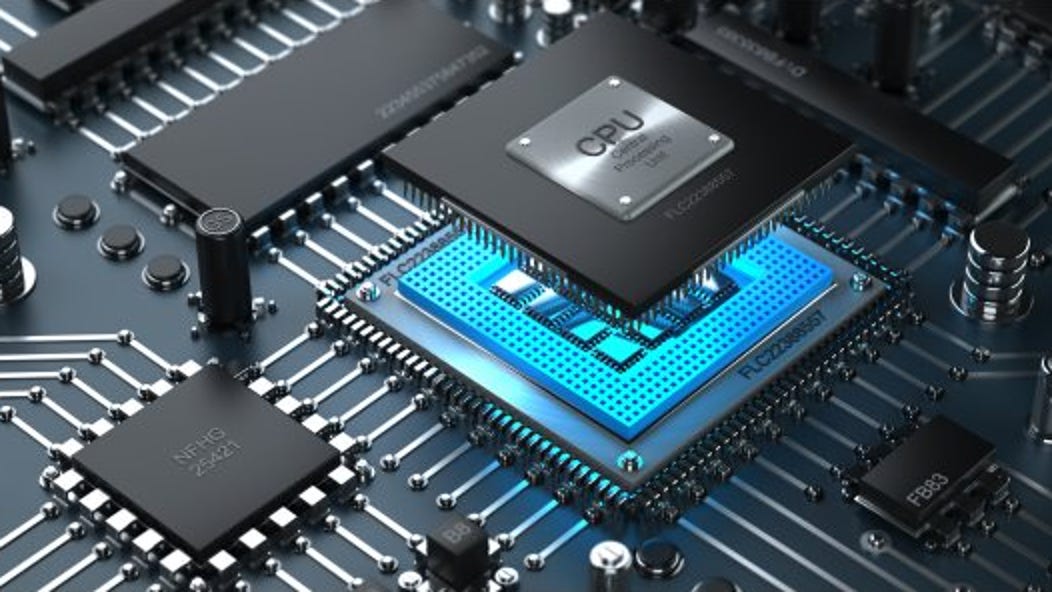
You must have heard sometimes that your PC contains certain numbers of Cores & Threads. That identifies how much processing power your PC has. Now you must be wondering what are Cores and Threads?
The term “Core” defines the singleton power of your processor. It is the single compute unit on your CPU. The speed of a core is defined through HERTZ and the measurement value is defined through FREQUENCY.
If a CPU has 2 Cores, it’s defined as a dual_core processor. If a CPU has 4 Cores, it’s defined as a quad_core processor. Simply, 6 Cores stands for Hexa Core, 8 Core as Octa and so on.
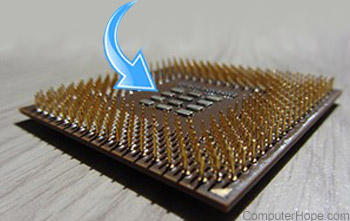
The term “Thread” defines the path or the route through which your CPU declares it’s output. There are various methods of threading. Like Hyper_Threading, etc. (Click on each to learn more)
The Memory Unit contains a special memory called the Cache Memory. The Cache is responsible for the temporary storage of data before processing it. The storage unit of Cache in processors is calculated in Megabytes. For Ex- Ryzen 5 4500 has 4MB of Cache memory, etc.
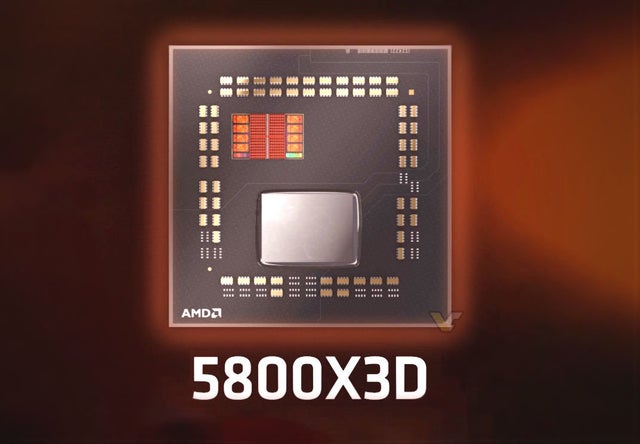
Some special processors have unique cache fabrics like that of 3D Cache in Ryzen 7 5800X3D. It is the fastest gaming processor ever known by humanity.
There are two brands which manufacture CPUs, Intel & AMD. I may refer to Intel as team blue and AMD as team red in the further lines and maybe the next posts. So stay tuned 🙂
There are several Core Complex (CCX) present inside a CPU. They contain 2, 4 or even 6 Cores at once. In the cheap motherboards which are primarily sold in India, the VRMs are either absent or of a very low quality which cant even handle worst processors ( like: Ryzen 5 1500 or I5 2400F or 4400, etc.).
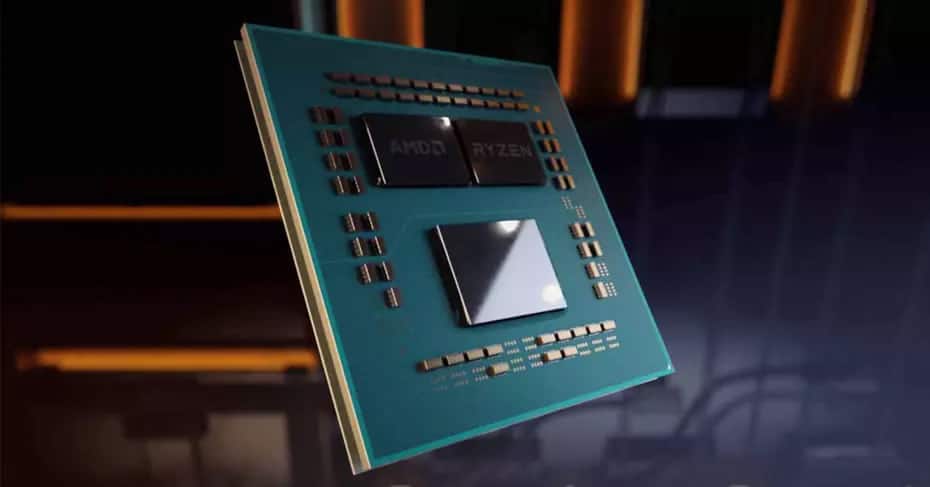
The work of CCX is to hold several cores at once and carry out a smooth functioning between them and transfer data faster. They take the help of the VRMs to increase the transfer rate of the data to be processed. When the VRMs are absent or weak, the CPU cannot be utilised at its maximum potential or even in the worst cases, it can shut the computer down.
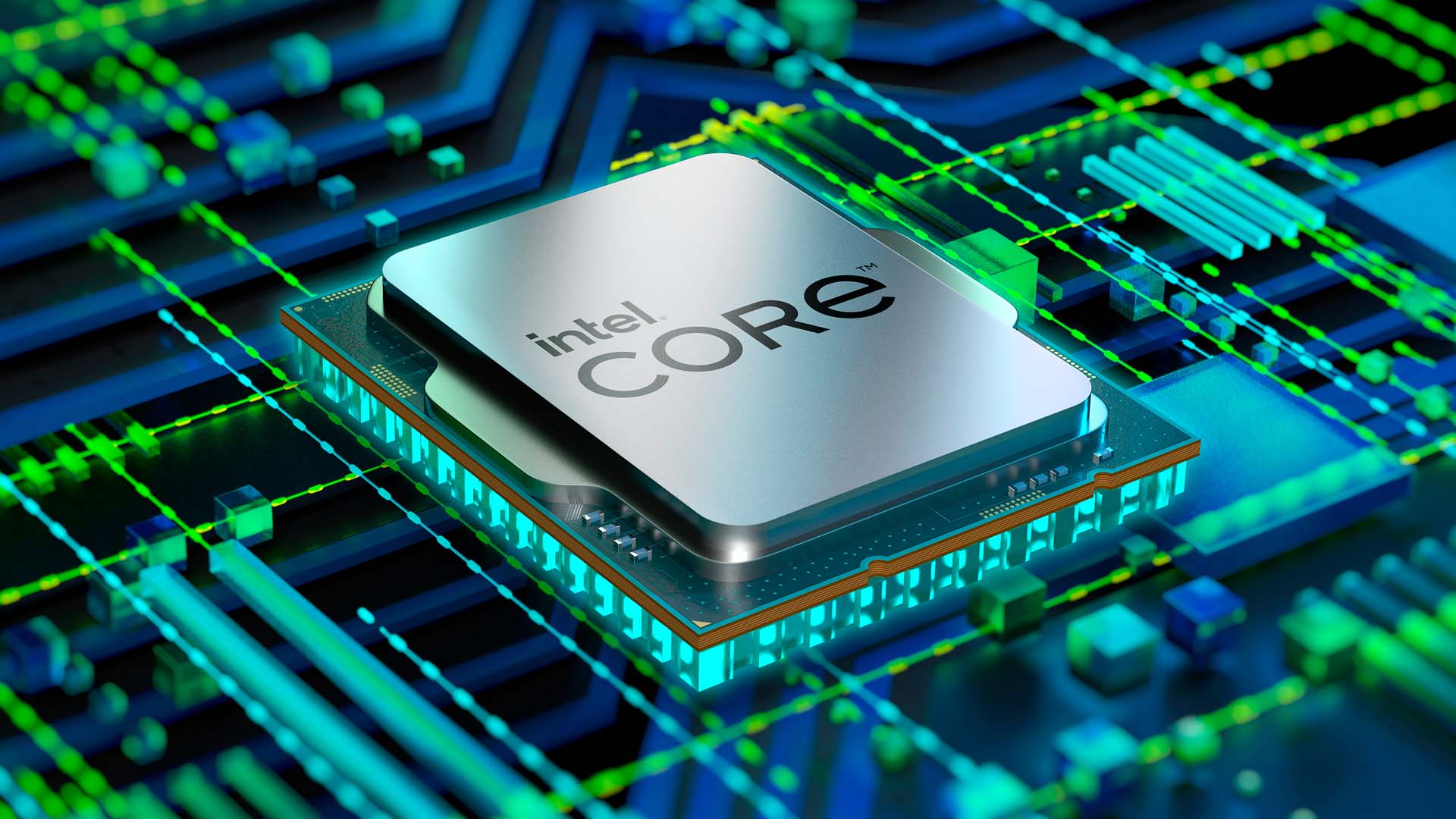
Intel’s first 2 nos define the GENERATION (Like in 13600K, it’s for 13th Gen Intel Processors) and the further naming scheme stands for the processor.
For example, 13600K stands for i5’s overclockable CPUs. Whereas 13100F stands for i3 Processors without integrated graphics. The 13900K stands for i9 processors and the 13700K stands for i7 processors.
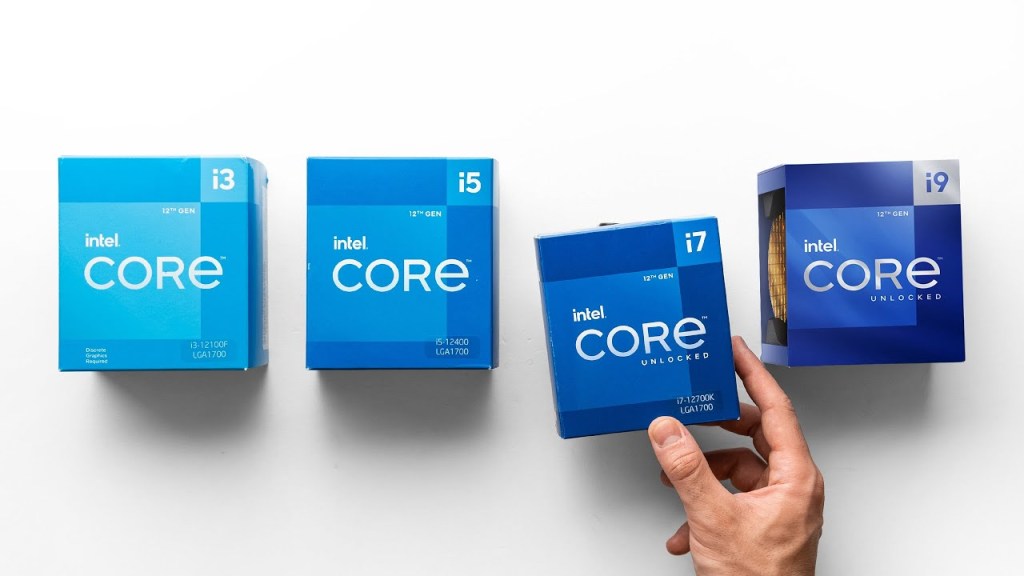
The “K” Letter Indicates that the CPU is Overclockable if proper Motherboard and GPU arrangements are made. The “F” stands for CPUs without In-Built Graphics. The 12100 (Without F Or K) stands for an APU (Click to Learn More). APUs do not necessarily need a GPU for display but others need a discete Graphics Card for even a display.
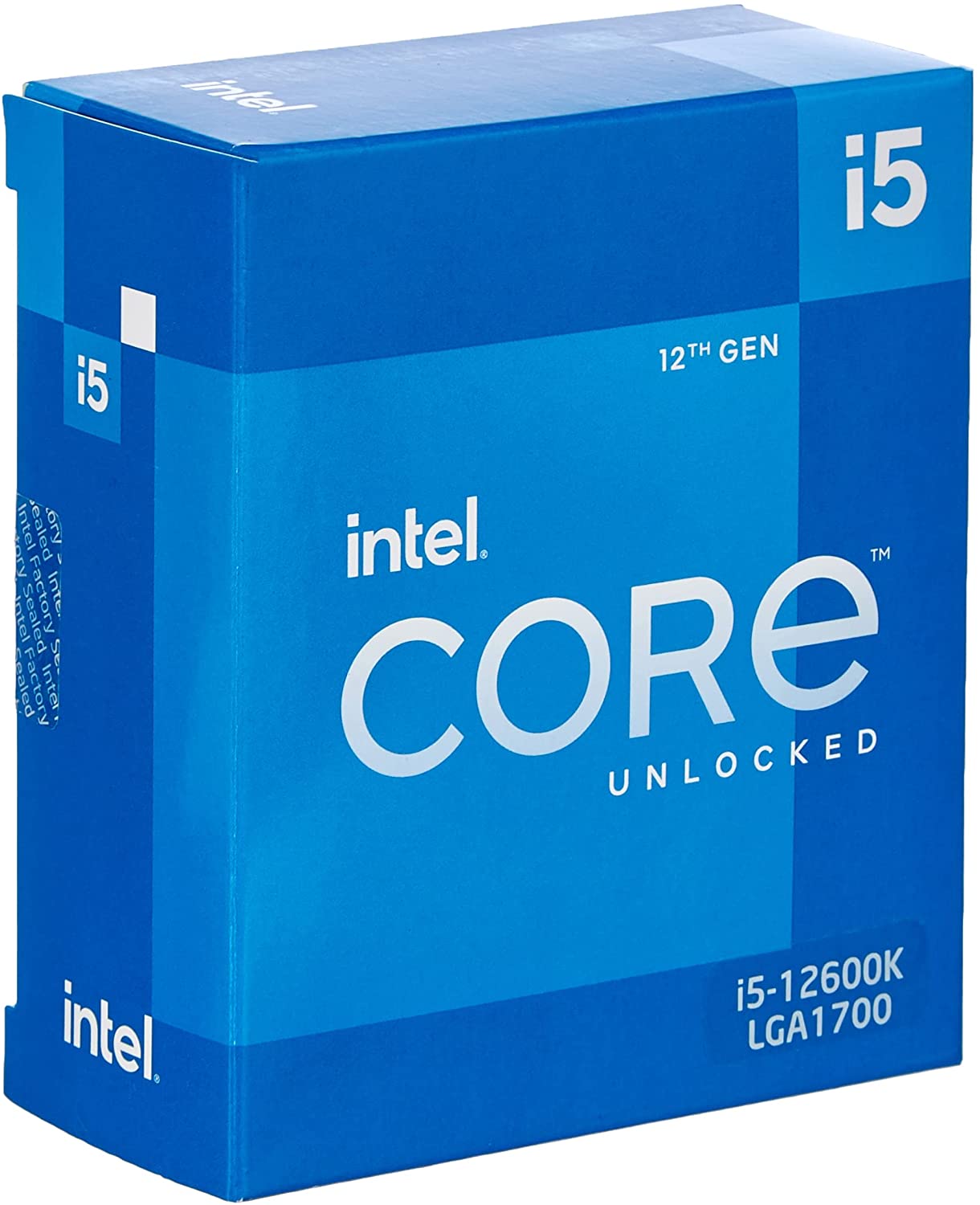
Ex: i5 12600K has 6 Cores and 12 Threads. That means that the processor has Hyper_Threading enabled. The base frequency of the processor is 3700Mhz and the boost frequency is 4900Mhz. This means that in the normal situations the processor will run under the speed of 3700Mhz and when the processor gets in contact with a proper Motherboard and Graphics Card requirements, it can boost its (one single) core into the boost frequency of the CPU.
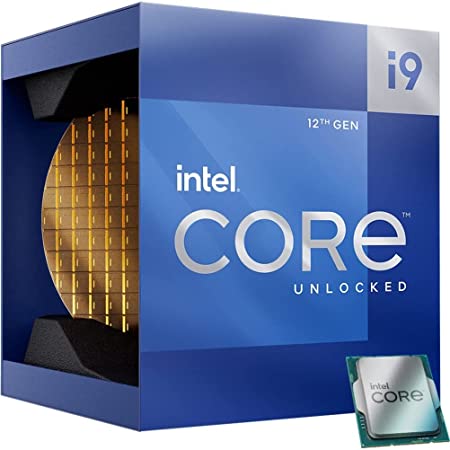
Now I hope that you have understood the internals and the basics of an Intel CPU. Now let’s move to the Team Red (AMD). The naming scheme of AMD is much easier and simpler to understand than that of Intel.
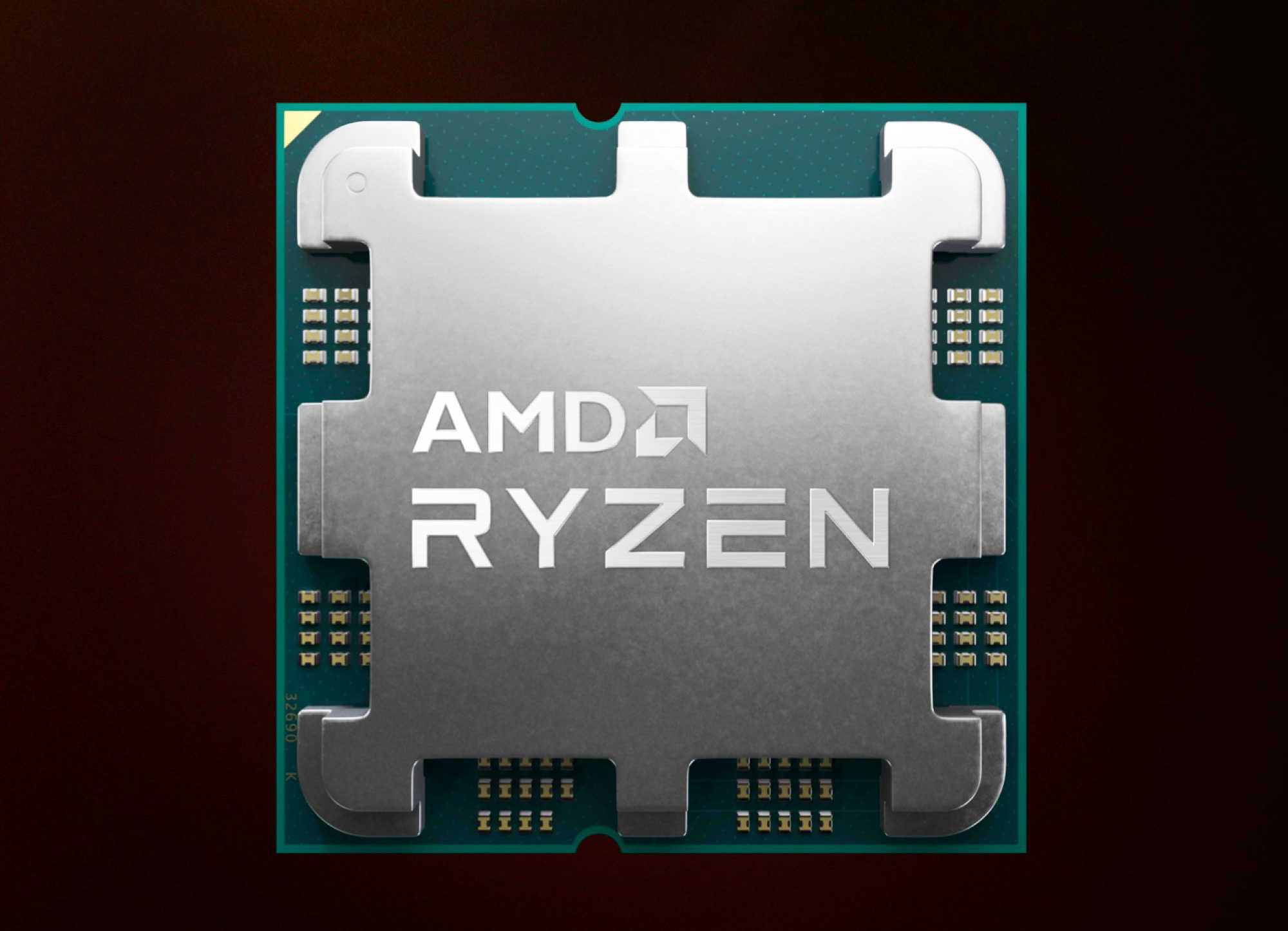
(Latest Generation)
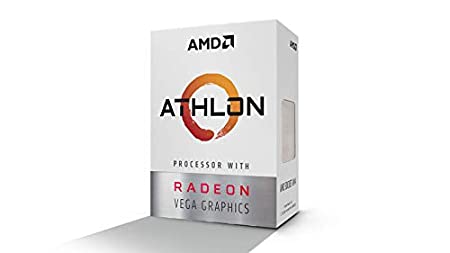
AMD uses the series names at first like Ryzen, Athlon, Threadripper, etc. Athlon is the cheap range of CPUs, Ryzen has budget, mid-range as well as high end processors. Threadripper is the most powerful extreme series of CPUs from AMD.
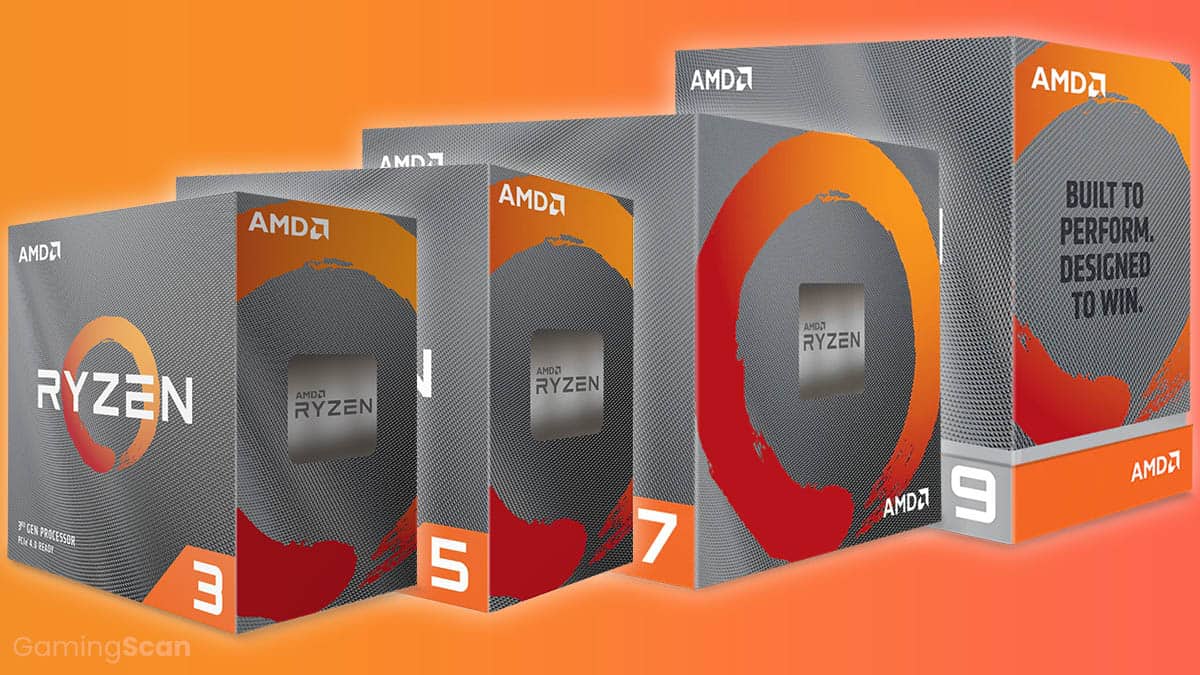
Some Examples are: Athlon 3000 series contains dual-core CPUs with Hyper_Threading disabled. Ryzen Series contains CPUs starting from Quad-Cores to 12 Cores with Hyper_Threading Enabled.
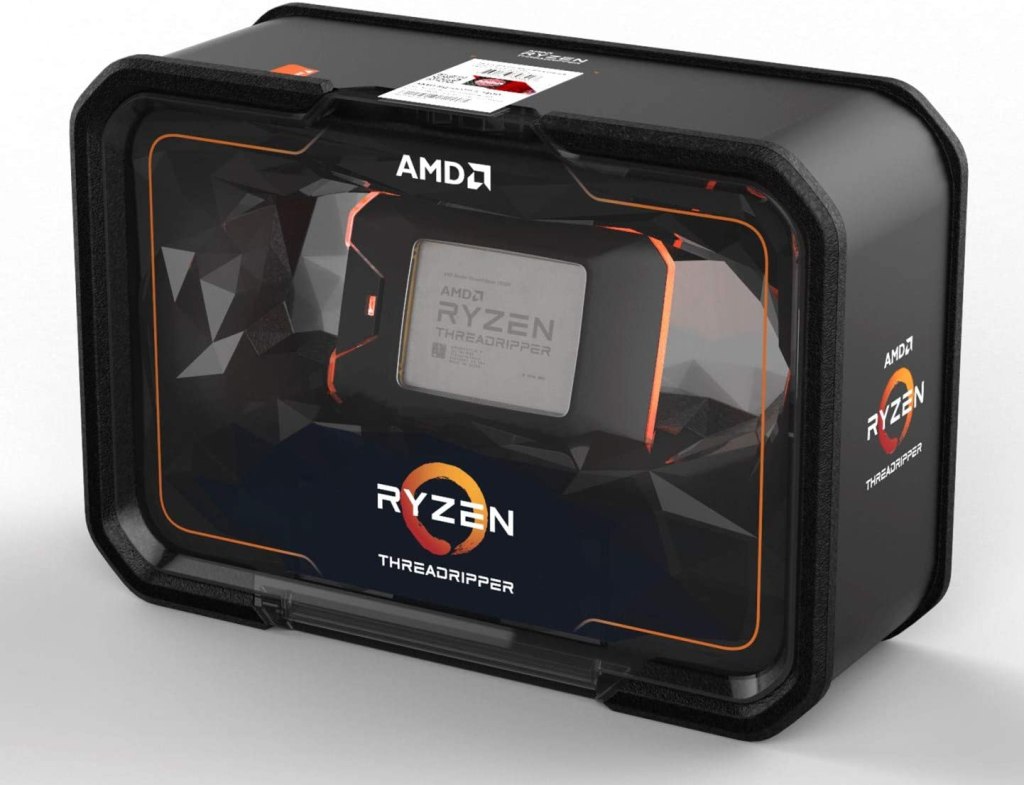
Threadripper is the EXTREME END CPUs made for servers and heavy-workload specified users for which the Threadripper Series contains only one CPU varient with max amount of cores increasing from generatins to generations. The latest gen Threadripper contains upto 128 Cores to 150 Cores in some limited editions. They use modern technologies to increase productivity of the user. The Single Core of a threadripper is equal to the 7-8 Normal Cores of Ryzen Series.
( From 3000 Series)
After the name of series, the generation name is mentioned through the first number of the name. For Ex: In Ryzen 5 5600, the 5600 defines the 5th Generation or the 5000 Series AMD Processors. The Ryzen 3 Series is for 4-Cores, Ryzen 5 for 6-Cores, Ryzen 7 for 8-Cores & Ryzen 9 for 10-12 Cores Processors.
Team Red has a huge advantage over Team Blue because al of their processors support overclocking. Be it a Quad-Core or a Threadripper. They use the letter “X” after the names of certain processors meaning they have Multi DIY Cache (L3, L2, etc.) and can be overclocked more than the normal ones if the Motherboard and Graphics Requirements are met. For Example: Ryzen 7 5700X, Ryzen 9 5900X, Ryzen 3 3300X, etc.
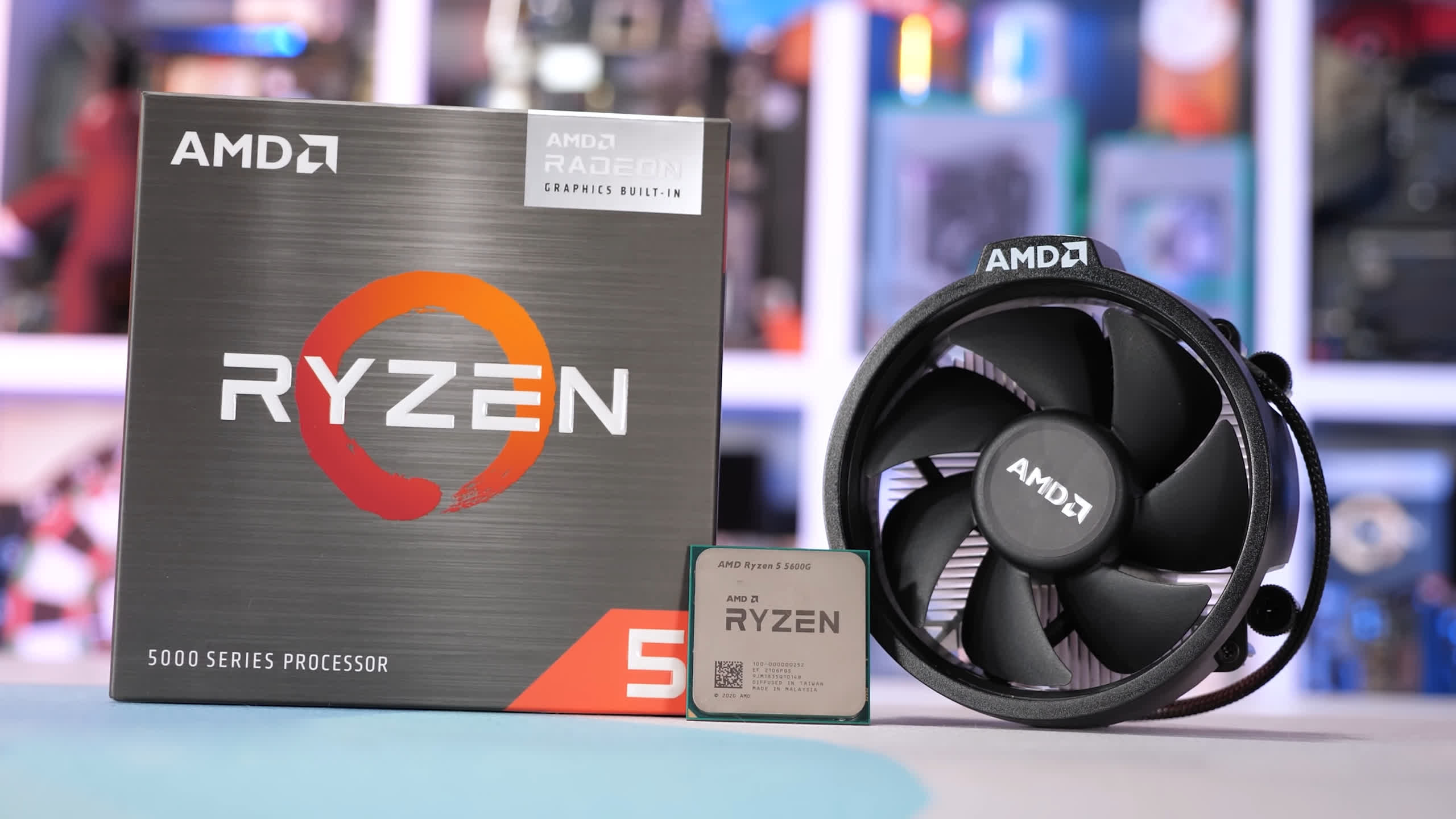
The APUs of AMD consist of APUs varying from Athlon to that of Ryzen series. The APUs of AMD have a naming scheme of a “G” afte rthe model name of their APUs. The APUs consist of Low_Range APUs like Athlon 3000G and Higher_End ones like that of Ryzen 7 5700G, etc.
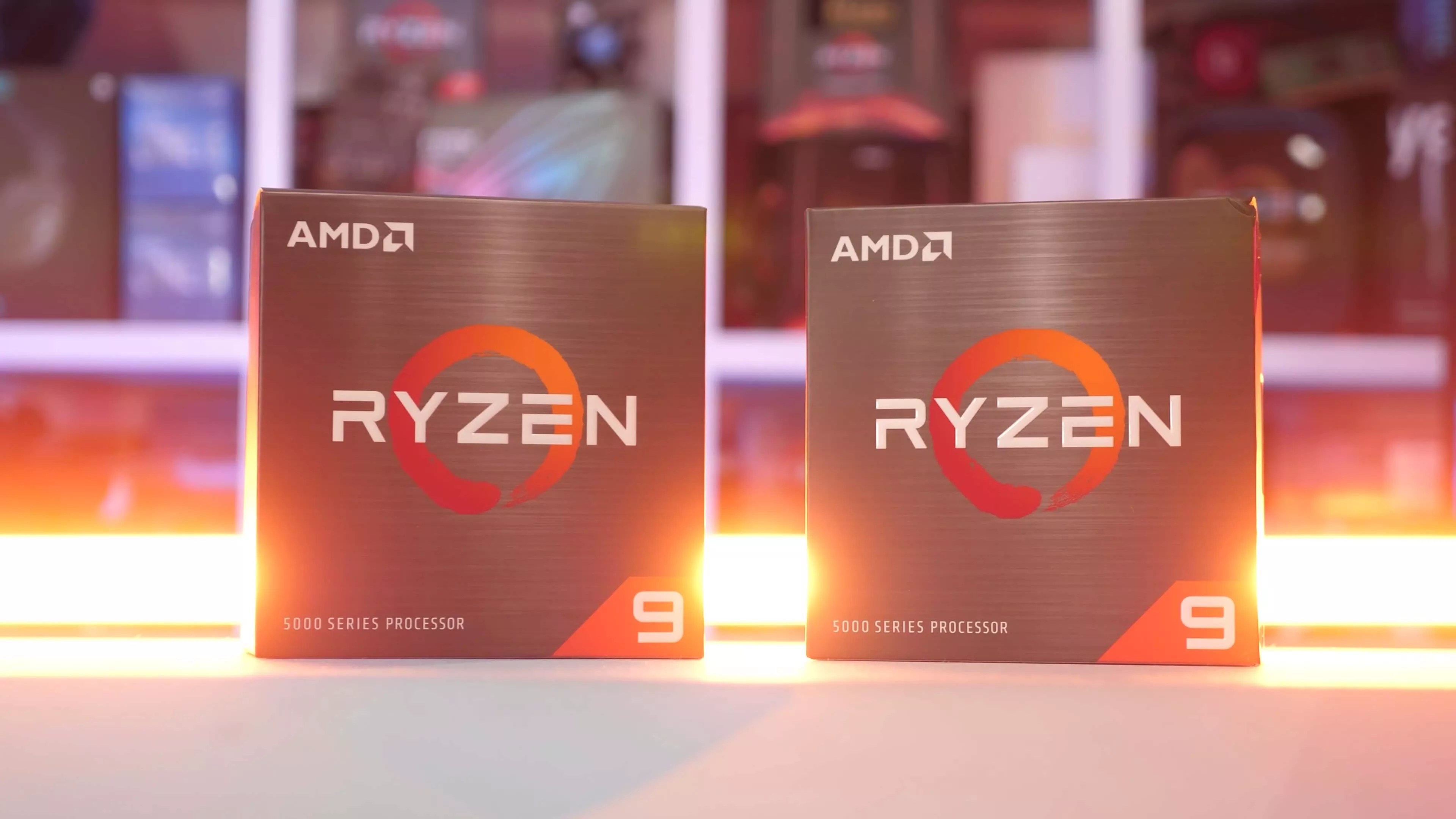
Simply speaking we can say that both the CPUs of Intel and Advanced Micro Devices (AMD) are vastly powerful in comparision to those of the previous generations or the old CPUs. Both use hybrid technologies and get advanced from time to time. I hope you have understood everything that we have explained here. Like this post by clicking on the ⭐ button here 👇. Follow us for much such content. Thank You 🙂
 S. Sai Tutorials